
Page templates
Start with a page made for your niche


Sixteen starting points for your Fern & Far page, from cruises, family holidays and city breaks to golf, weddings and retreats. Each one is a head start, not a finished page: you preview it on your own page, keep what suits you and change the rest.
- The layout, fonts and colours
- A cover to open on, moving on most of them
- The sections, in an order that suits the niche
- Headings, the main button and the enquiry choices
- Offer ideas with the blanks left for you
Sixteen templates, one tap to preview
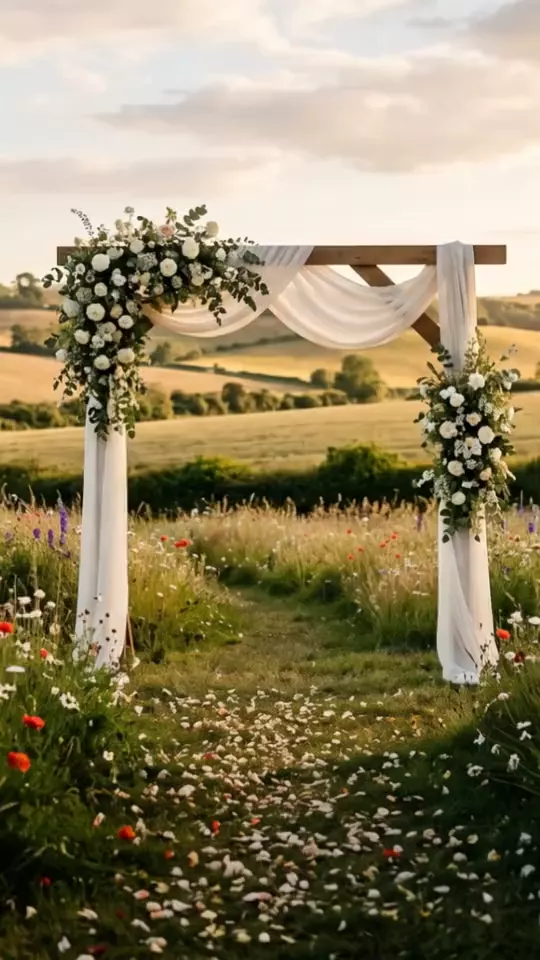
Each phone shows the cover that template opens on, moving where it has a loop of its own. Tap one to see the whole page it starts you with.
The moving covers are generated imagery made for Fern & Far. Once you apply a template, its cover is yours to keep or change.
How starting from a template works
01
Pick one here
Open any template to see the page it starts you with. The words in it are sample text.
02
Sign up
Set up your brand, then open your page editor on this device: that template is waiting there for you. Seven days to build and explore, no card needed.
03
Choose what to use
Preview it on your own page, tick the parts you want and apply them. Nothing changes until you do, and you can undo it straight away.
Want to see finished pages? Our own group’s brand pages are live on the same page.
Your page, started in your niche
Pick a template above, or start from a blank page and choose one later from your page editor.
Start free — no card neededSeven days of everything, free. £29/month after that.